


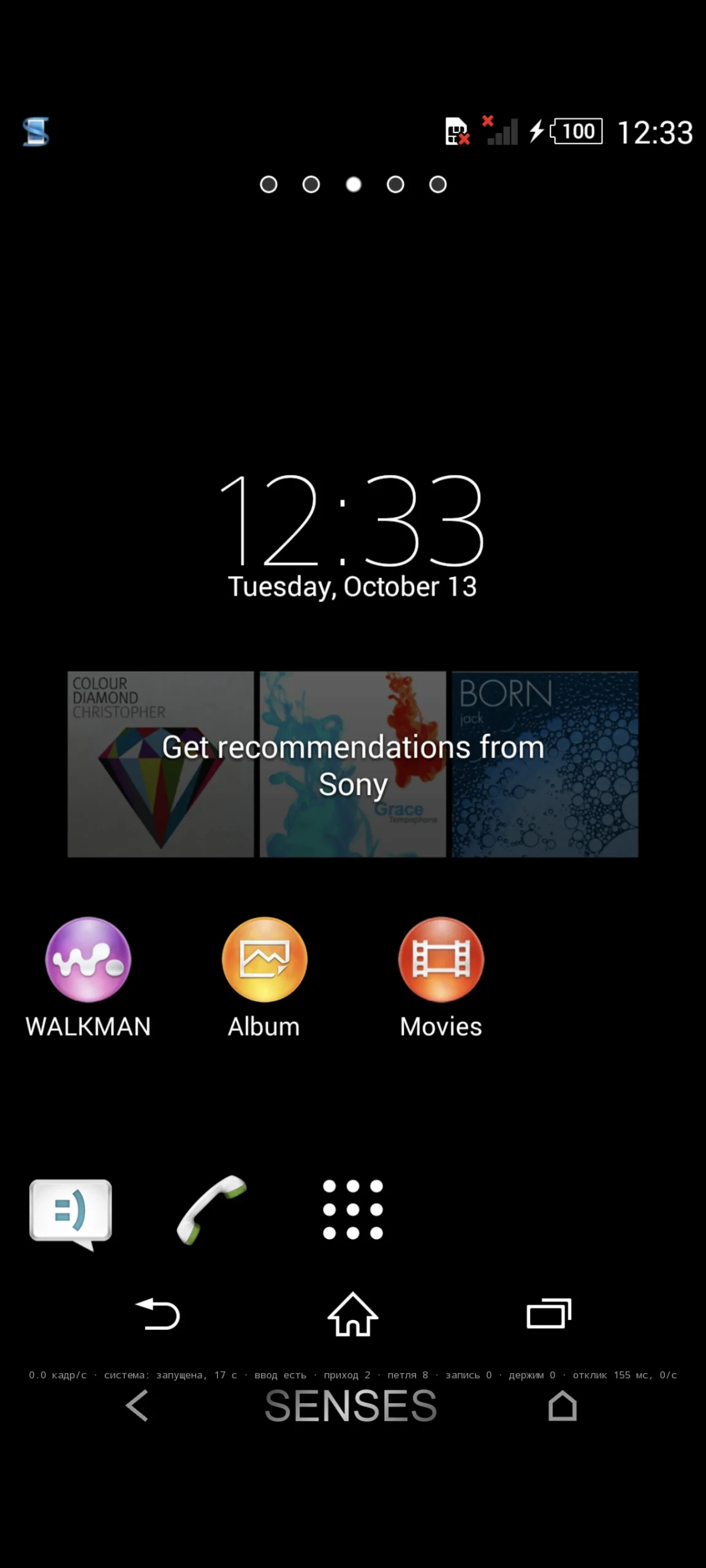
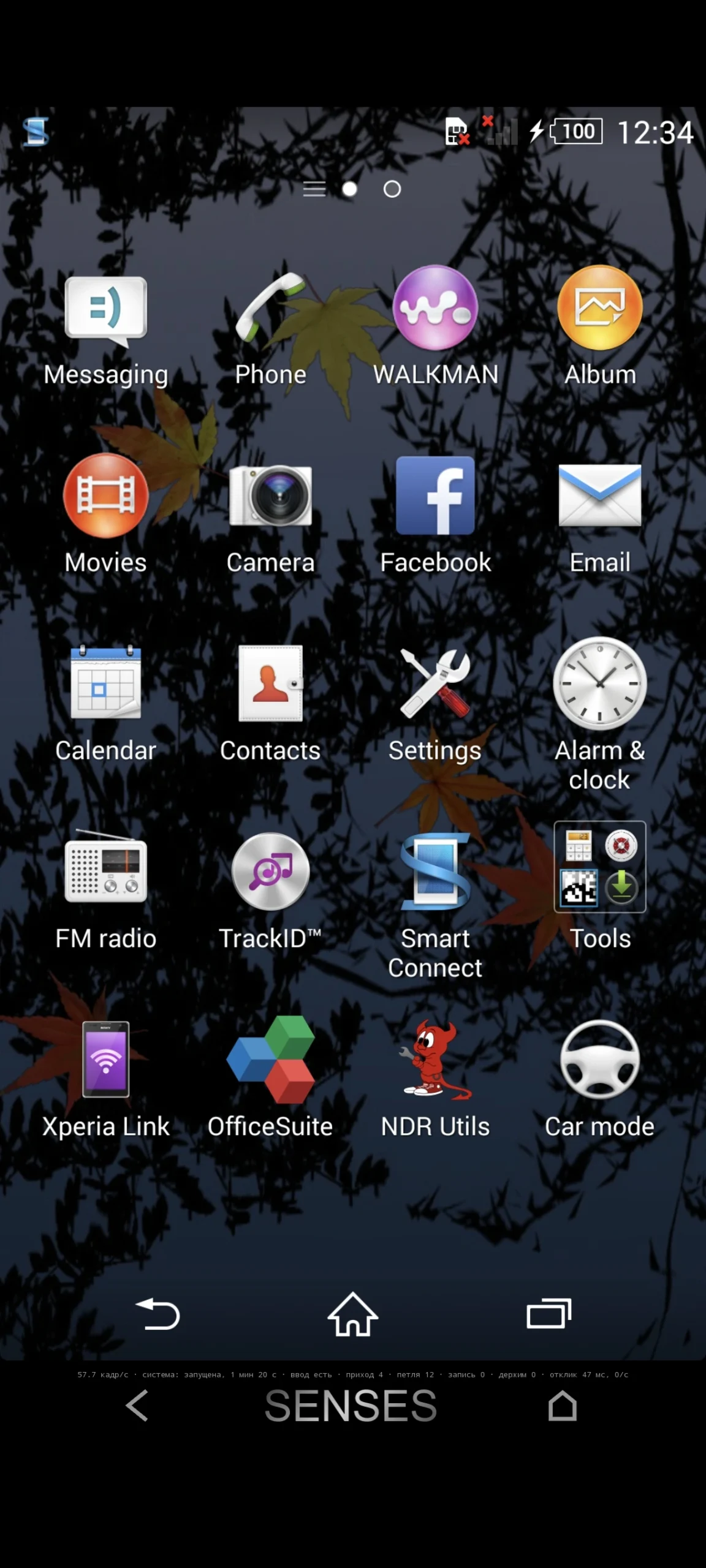
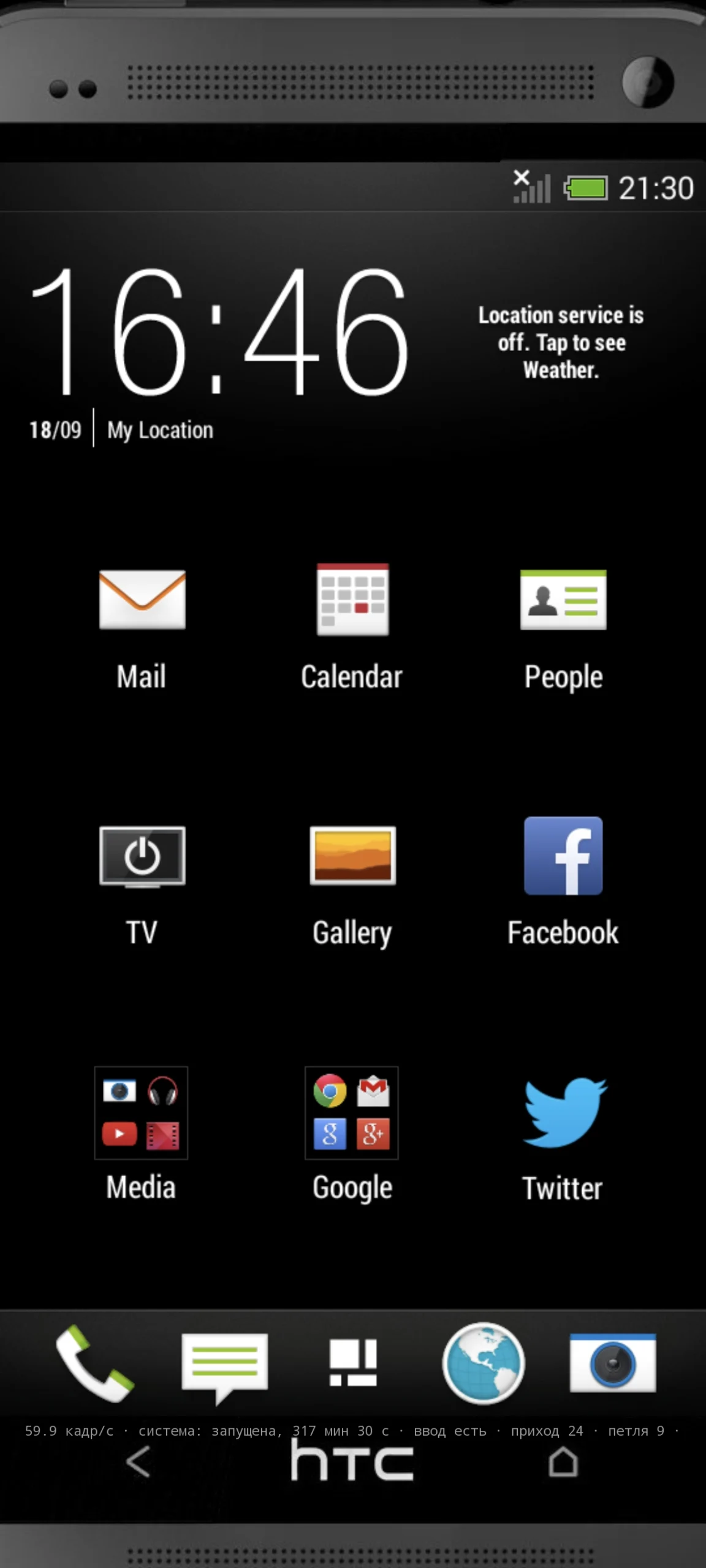
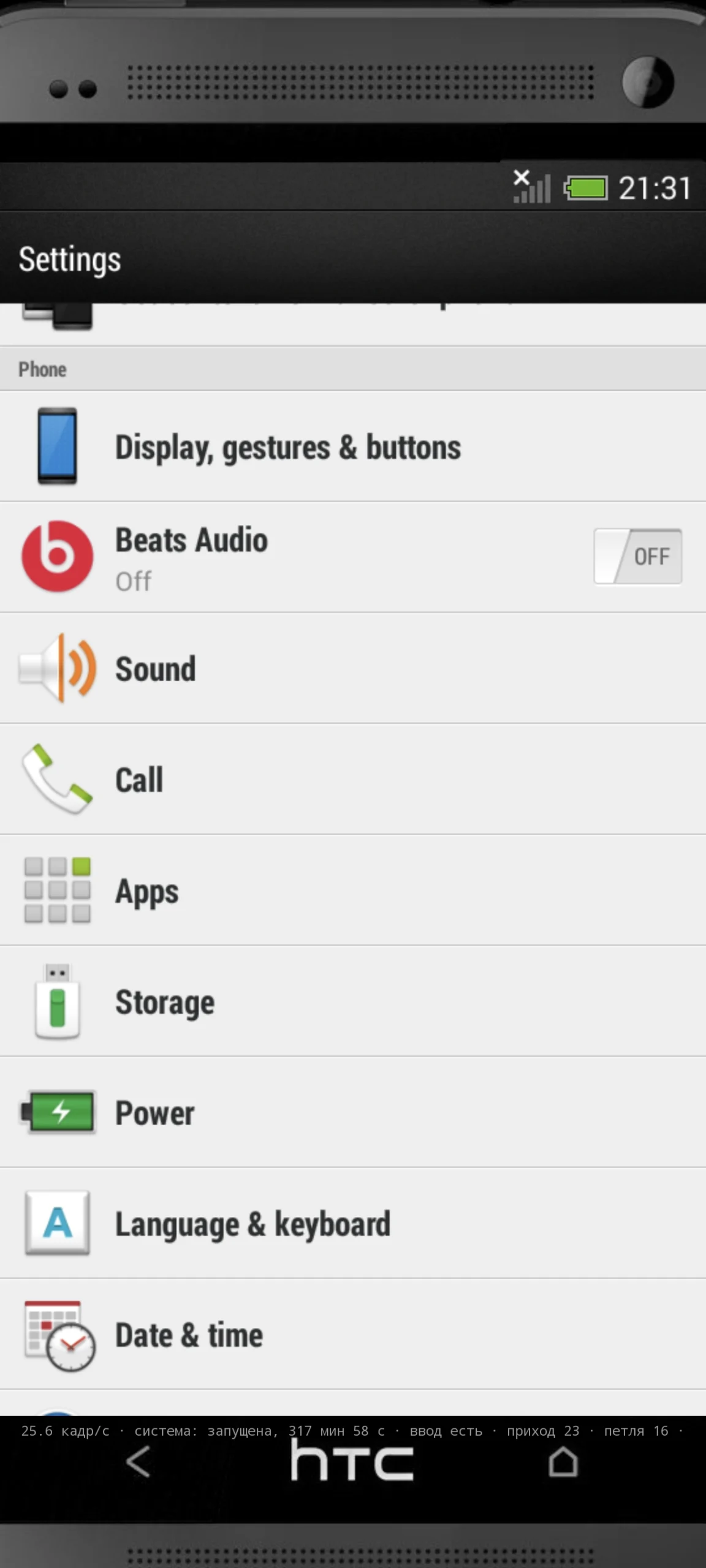
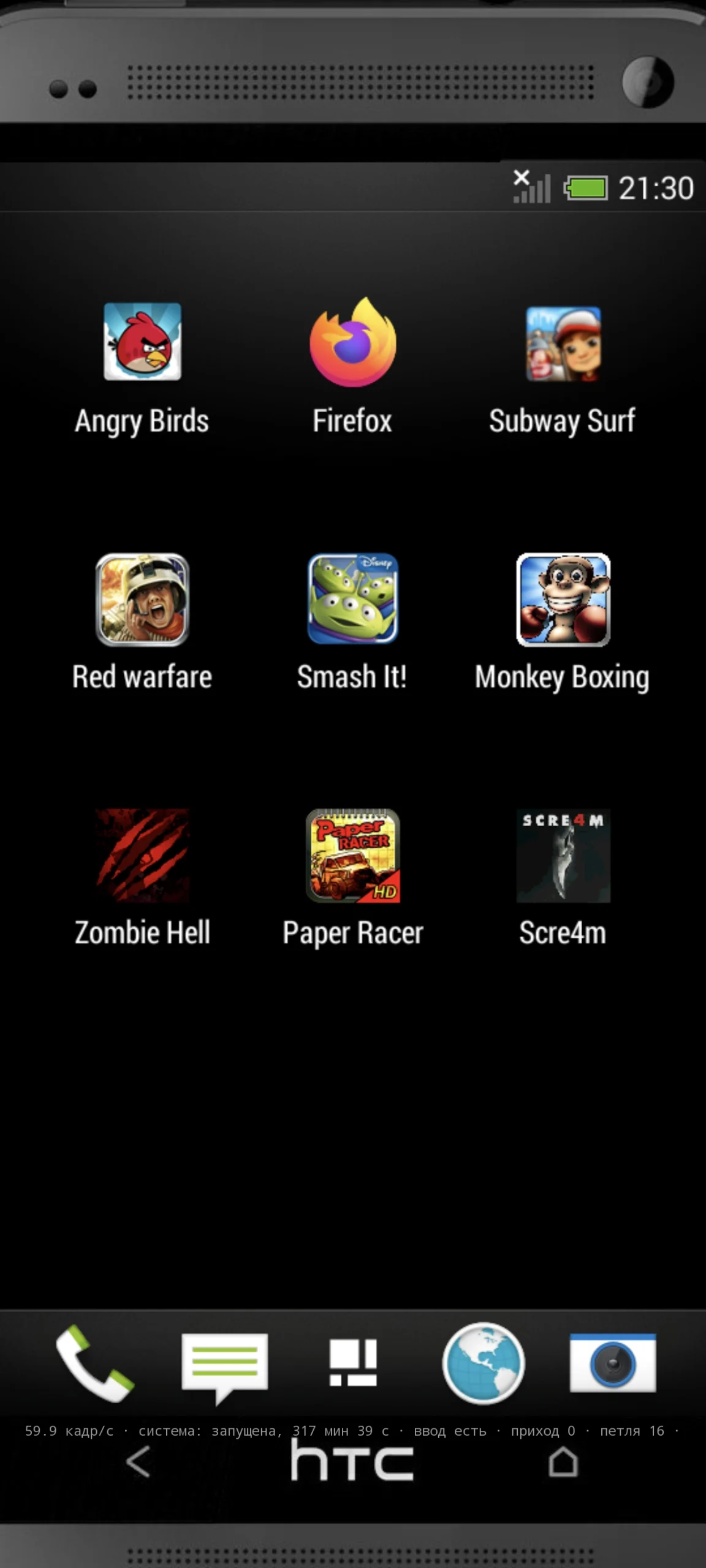
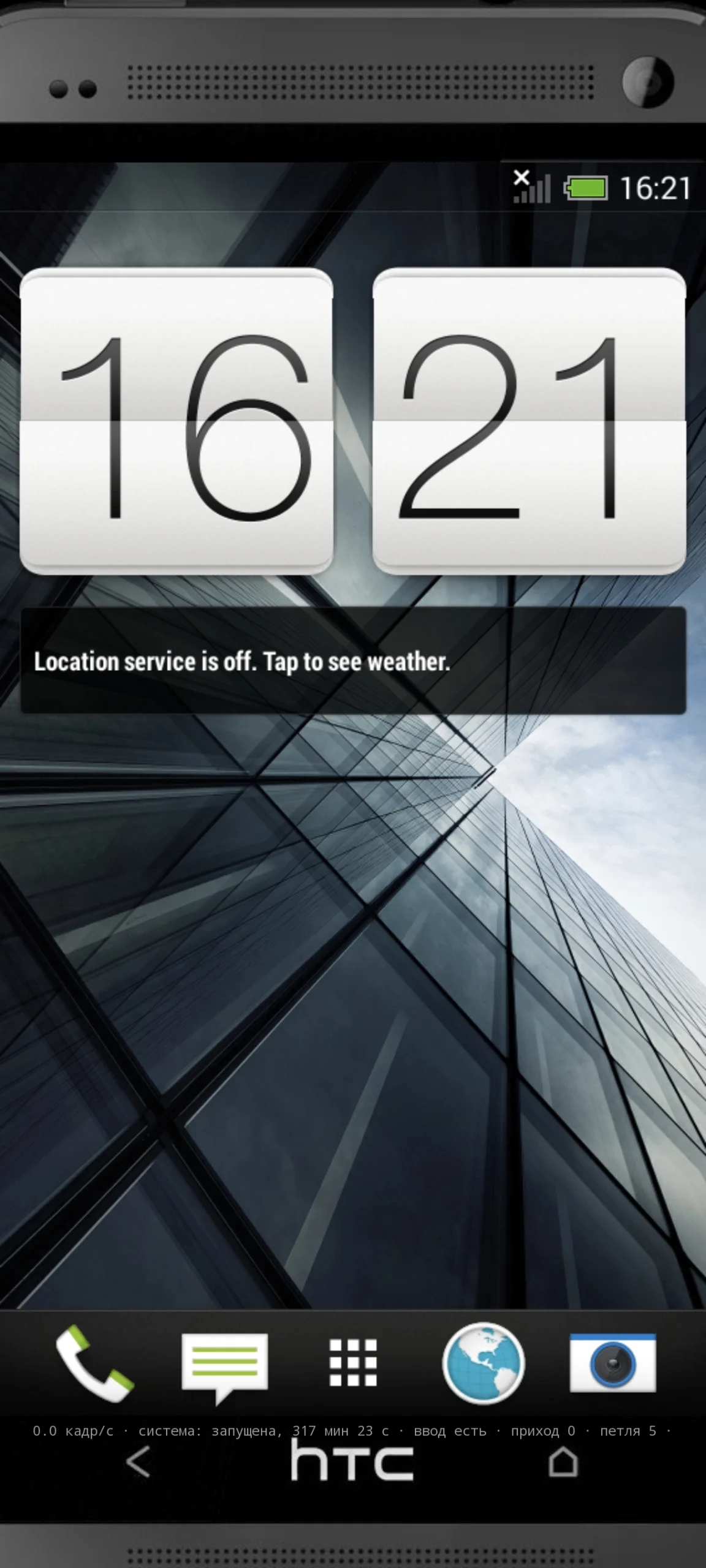
This repository exists to satisfy the GNU GPL version 2 obligations that come with distributing a modified QEMU.
The SENSES Android application runs an ARM32 Android system on an ARM64 phone by translating its individual processes — there is no guest kernel. The translator is a modified QEMU, and that is what this repository contains: our patches, our added source files, and the script that builds it
.No firmware. The application ships none, and neither does this repository. The user supplies their own archive; the application unpacks it on the device.
No links to download firmware. Deliberately.
Not the application’s own source. The application is a separate program: it starts QEMU as a separate process and talks to it over sockets, arguments and files. No QEMU code is loaded into its process.
You are responsible for having the right to use the firmware you supply, and to have a modified copy of it made on your own device. The application changes that copy on the device (patched code, re-signed packages with a key generated on the device, removed vendor modules) and runs a local TLS proxy whose root certificate is generated on the device and added to the trust store of the copy. When the firmware’s own installer has a menu, the application answers its screens with the default choices, as a person pressing “Next” would — except the agreement screen: the application shows you that agreement in full before unpacking, and you accept it or not (the application never accepts it for you; if you do not, nothing is unpacked and nothing is created, and the application says before the first start where it finds such a screen). Your acceptance is recorded in the container on your device; unpacking the same firmware again in place asks again unless it is recorded. The first-run wizard of the firmware is not skipped either: you go through it, and its agreements, yourself; it can be turned off only by hand, after you confirm that you have studied the agreements of the firmware and accept them. By starting a firmware in the application you confirm that you have read and accept the terms of that firmware and of the software inside it. These changes are made for compatibility only; they do not remove copy protection, DRM, licence checks of applications or account protection. Nothing is sent anywhere
https://github.com/Istratii-tech/SENSE
install Emulator video tutorial
Whats Mod of SENSES
- SENSES android emulator like virtual master
- How to Use SENSES Emulator: A Step-by-Step Guide
- Download the firmware you want to run
- Place the firmware file into the ISTRATII_TECH_SENSES folder in the root directory of your phone
- Launch the emulator (it may automatically prompt you to extract the files) and follow these steps on the bottom panel: Tap SENSES -> Firmware -> tap the plus (+) icon Select your firmware file and tap Extract
- Once extracted, tap SENSES -> Start to begin
- To stop the emulator, tap SENSES -> Stop

















 English
  English