

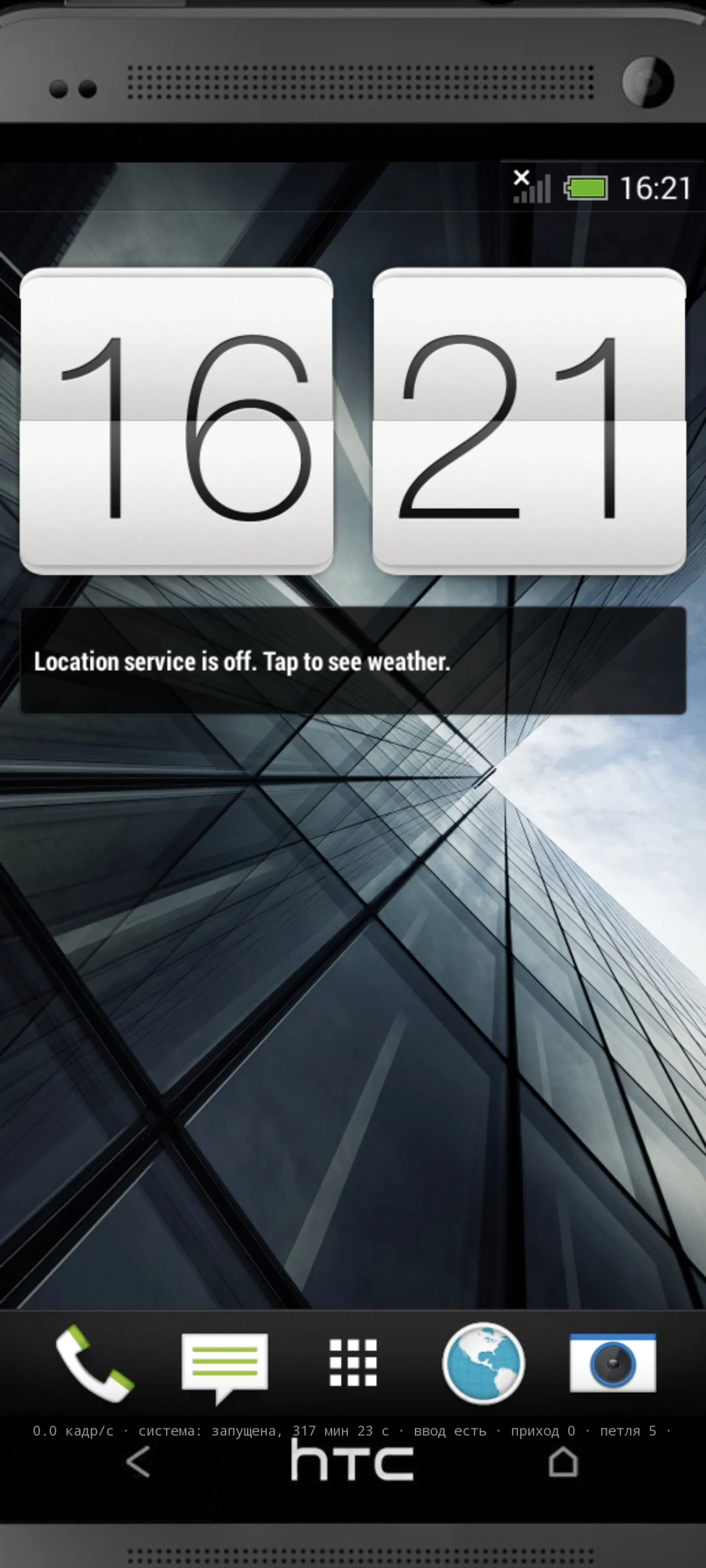
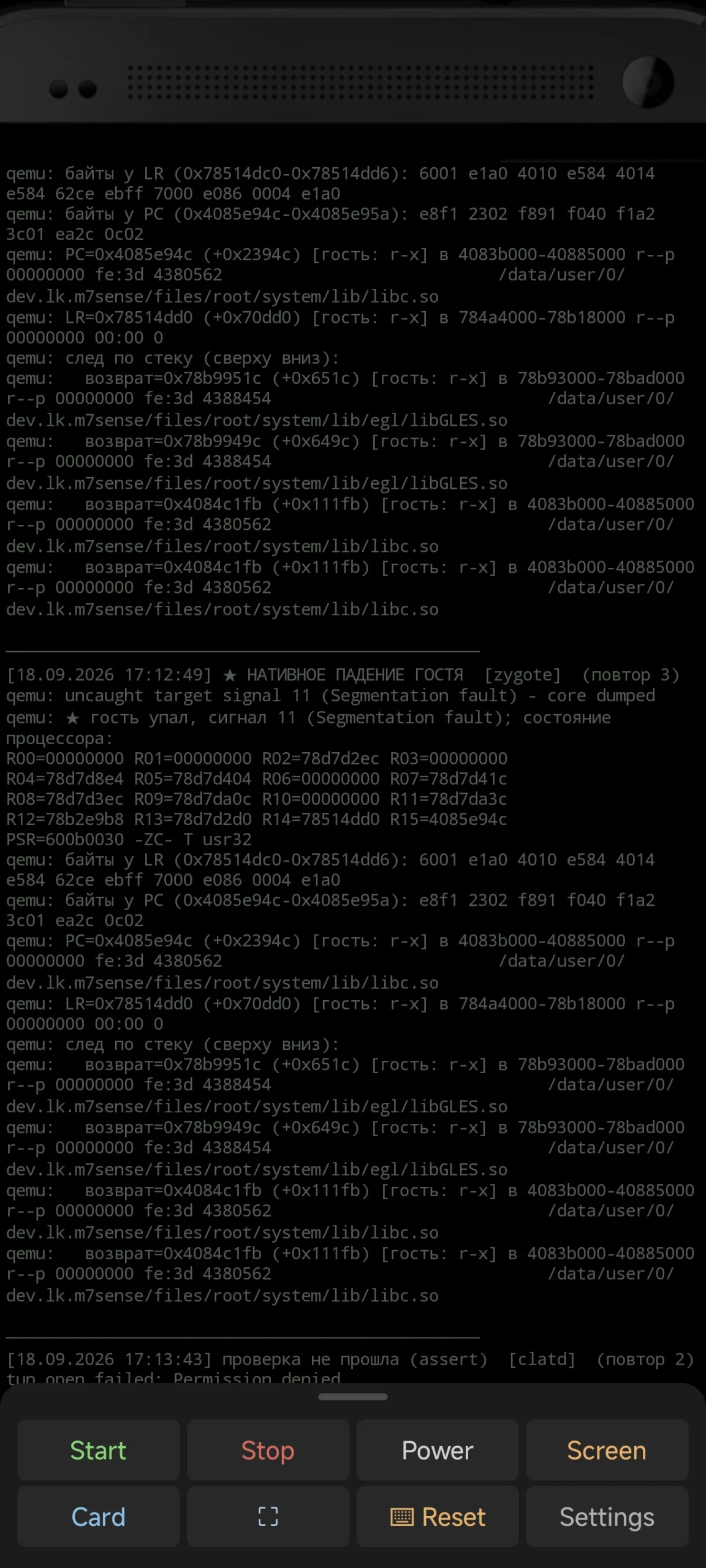
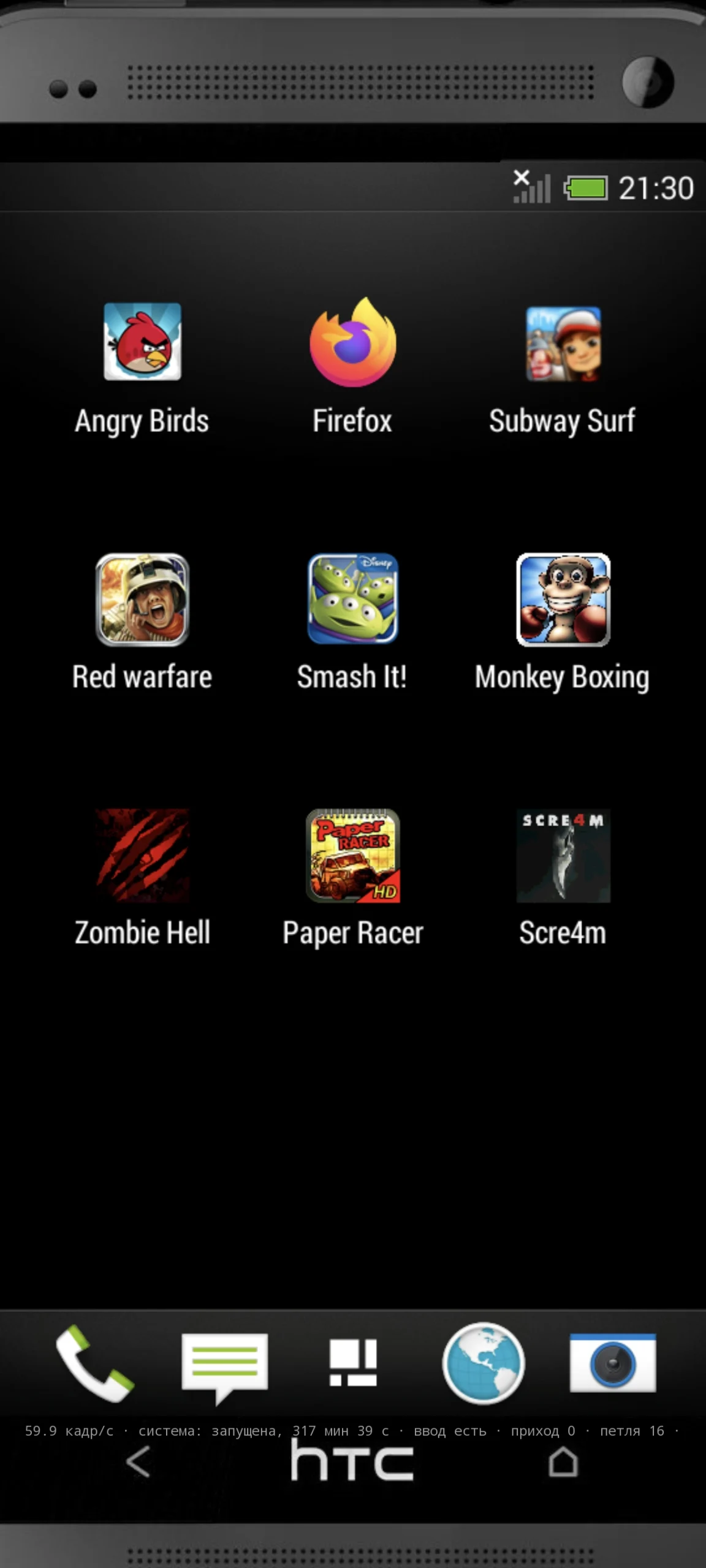
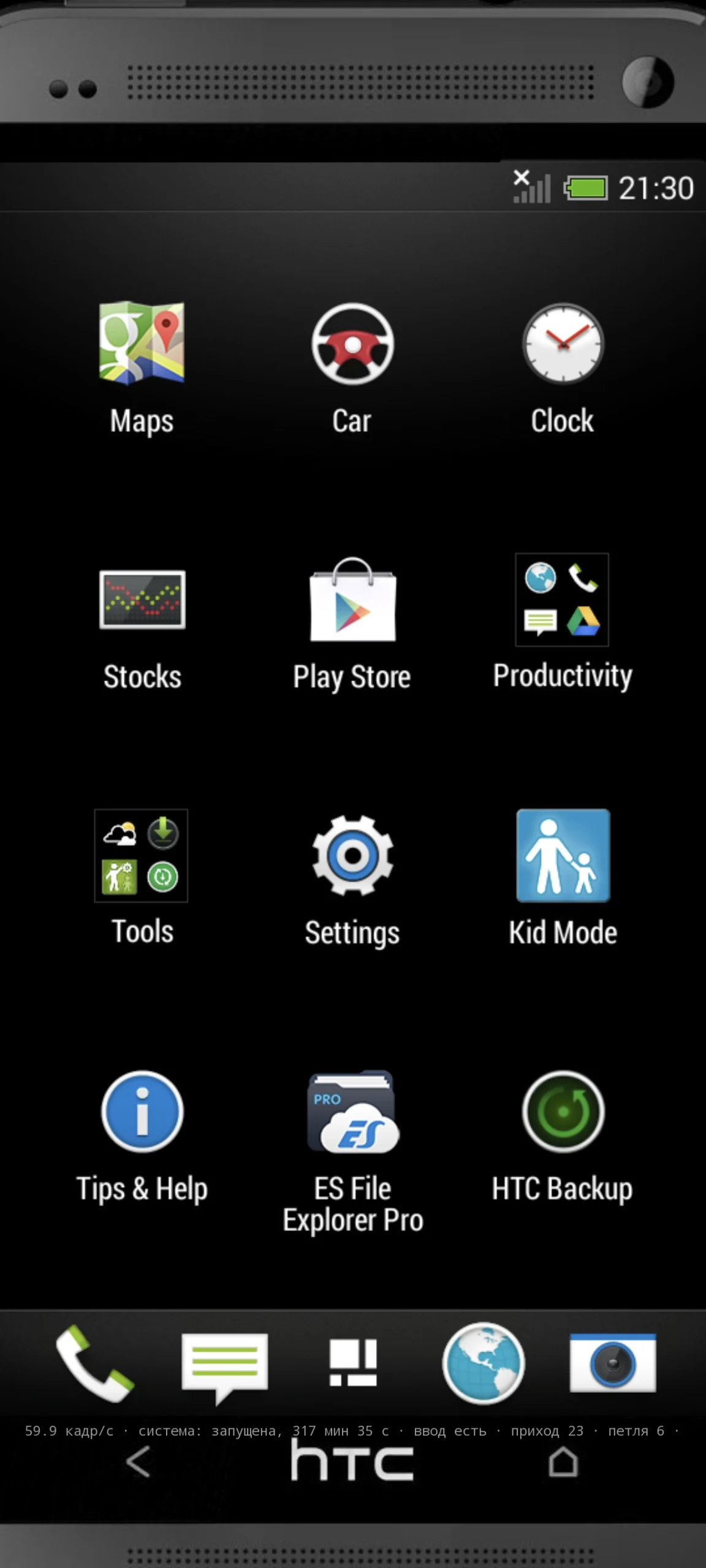
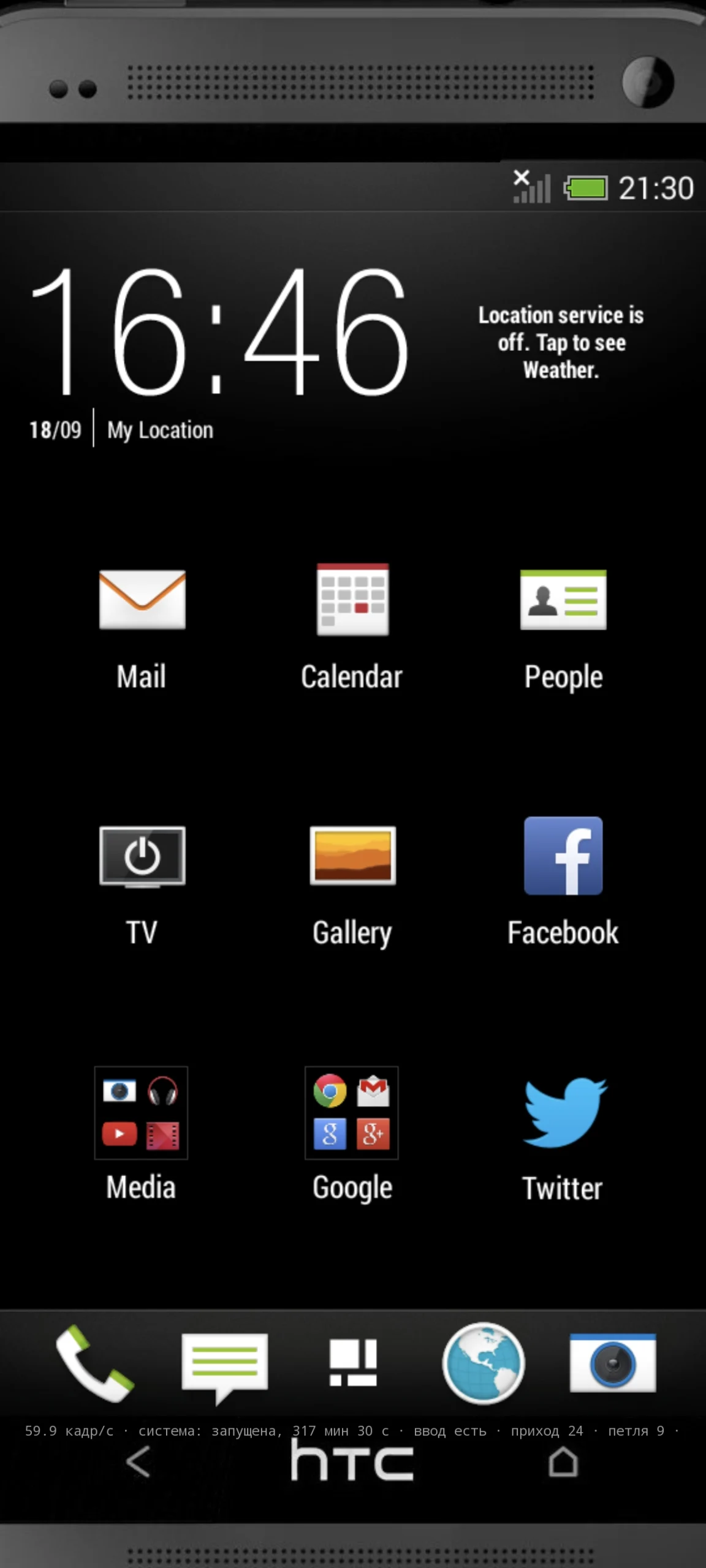
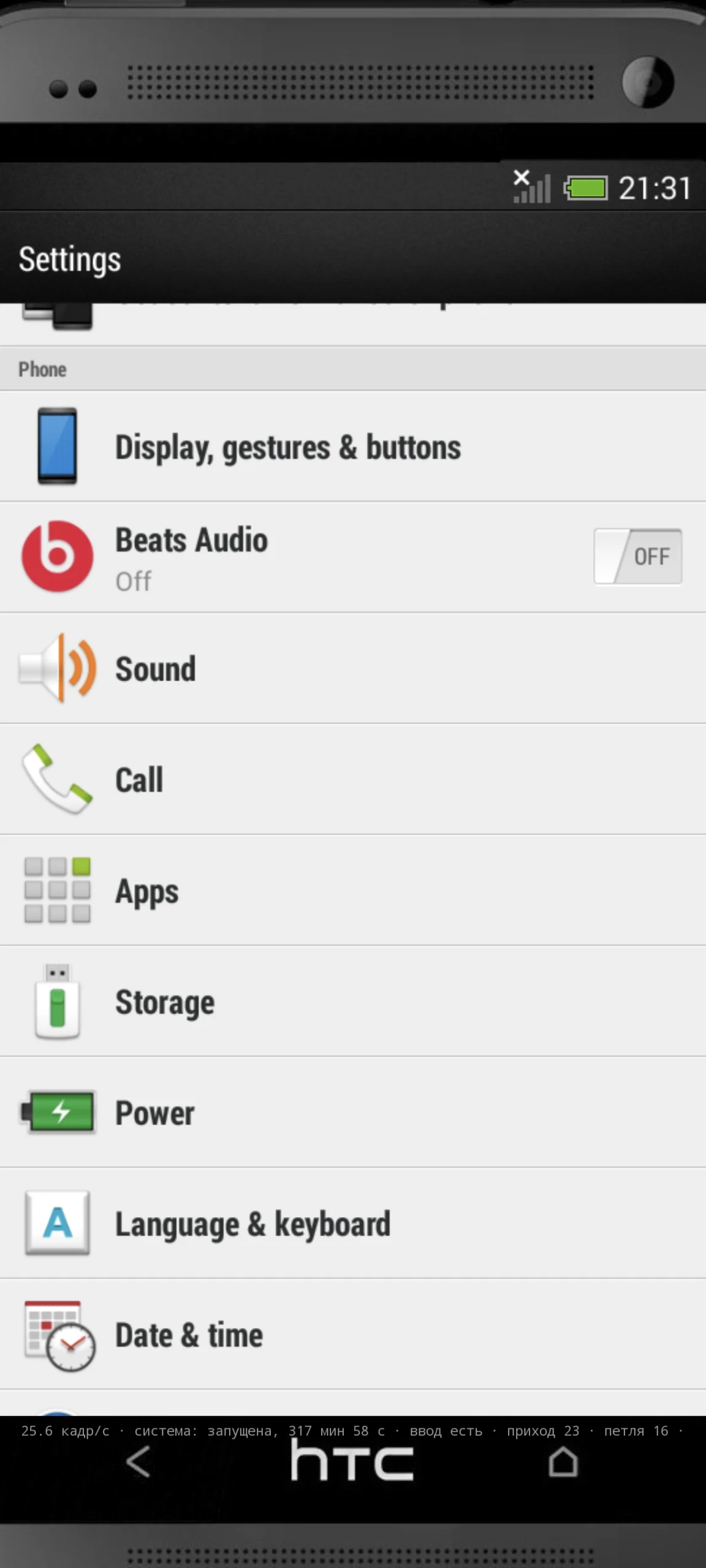
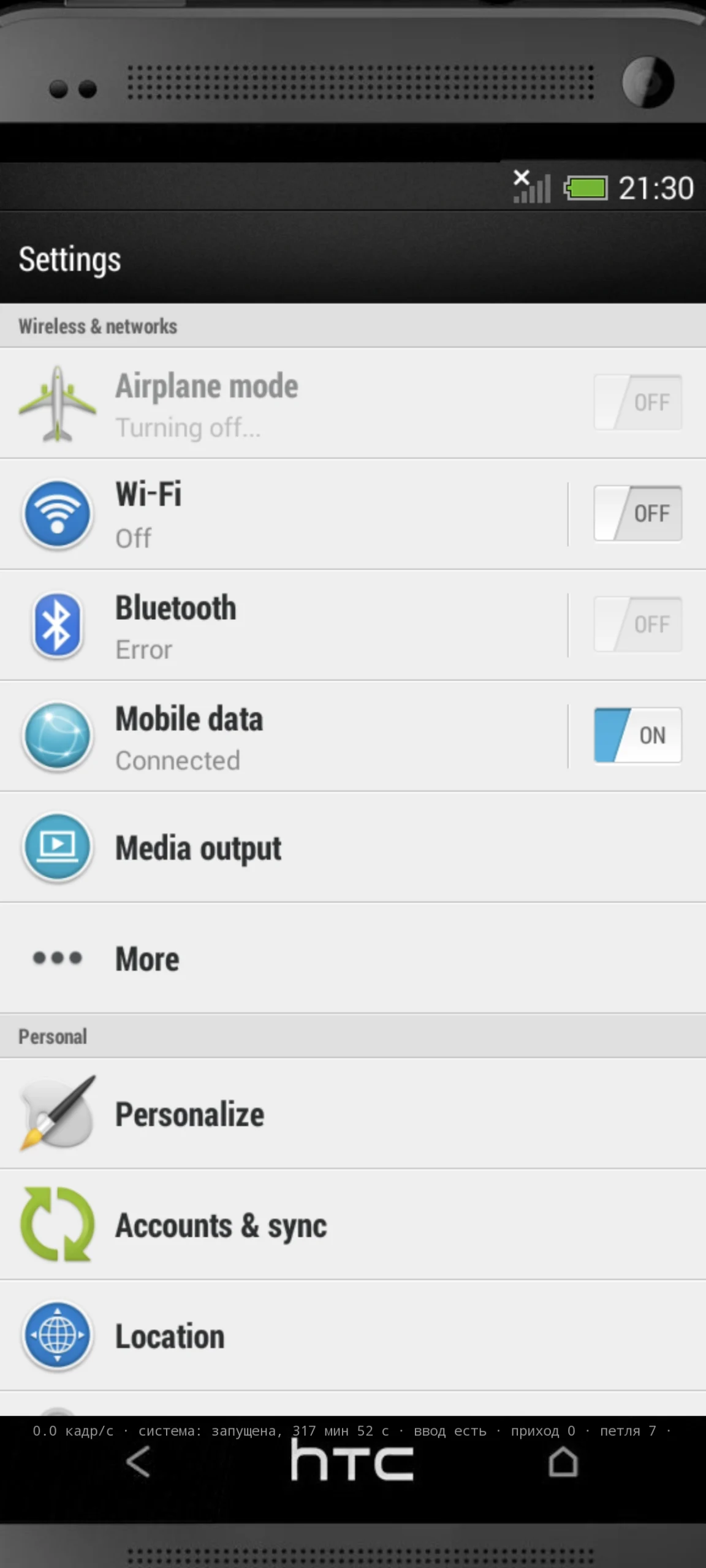
To launch, tap the HTC logo -> Start. To stop, tap the HTC logo -> Stop
If your device has low RAM or too many background processes running, the host OS will kill the firmware.
For example, my S8+ failed to boot due to insufficient RAM.
Use the HWUI and profile settings if it doesn’t start.
Known issues & notes:
Device compatibility: Tested with Galaxy S24 Ultra, HTC U12+.
App crashes: You might encounter a black screen in some built-in apps. If this happens, restart the specific app (not the entire system).
Wallpapers: Wallpapers may occasionally disappear. If they do, restart the system.
HTTPS & Certificates: Go to http://ca.m7/ to add certificates to third-party browsers (like Firefox). This is required for HTTPS to work, as a proxy layer is used to forward requests to the main system.
File transfer: To add your own files to the ROM, transfer them to the HTC One M7 directory in the root of your SD card.
File Explorer: You need to reopen ES File Explorer to refresh the file list inside the HTC One M7 folder. Keyboard: The keyboard may sometimes freeze or get stuck; use the reset button to fix it.
System shutdown: When you stop the system, you must completely close (kill) the app before you can launch the system again.
JavaScript: JavaScript might not work properly in some places, which could cause additional issues.
video preview
Whats Mod of HTC One M7 Sense 5.5 Android 4.4.2
- HTC One M7 Sense 5.5 Android 4.4.2 (Emulator)
- Support Android 16 armeabi-v7a-32 devices and armv64v8a devices
















 English
  English